The Highway Analogy
Imagine a highway where cars aren’t vehicles—they’re sound waves, radio signals, or TV broadcasts. This highway has lanes, but instead of asphalt, the lanes are made of frequencies.
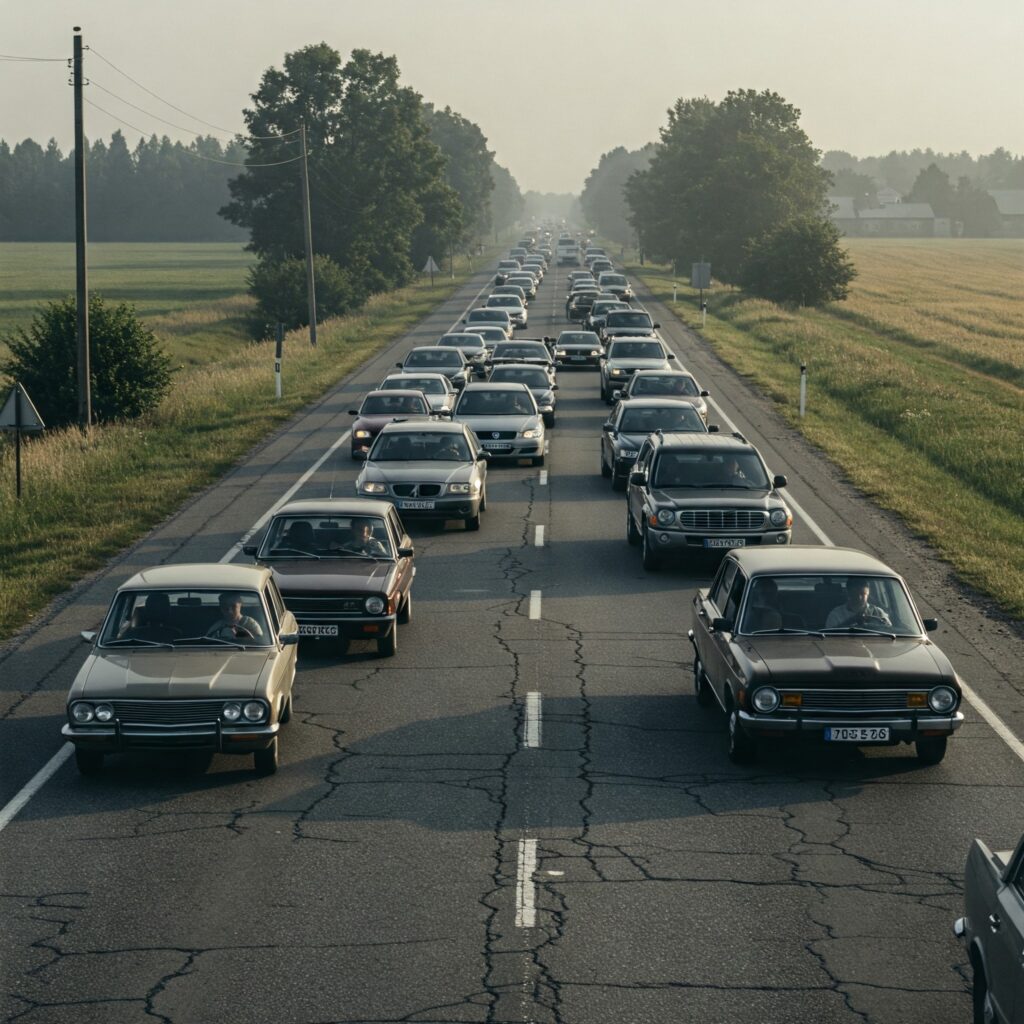
The Narrow Highway (Low Bandwidth):
Think of an AM radio station. Its highway is tiny—just 10 kHz wide, like a single-lane road. Only simple “cars” (like voice calls or basic audio) can squeeze through. It’s efficient for talk radio but too cramped for anything complex.
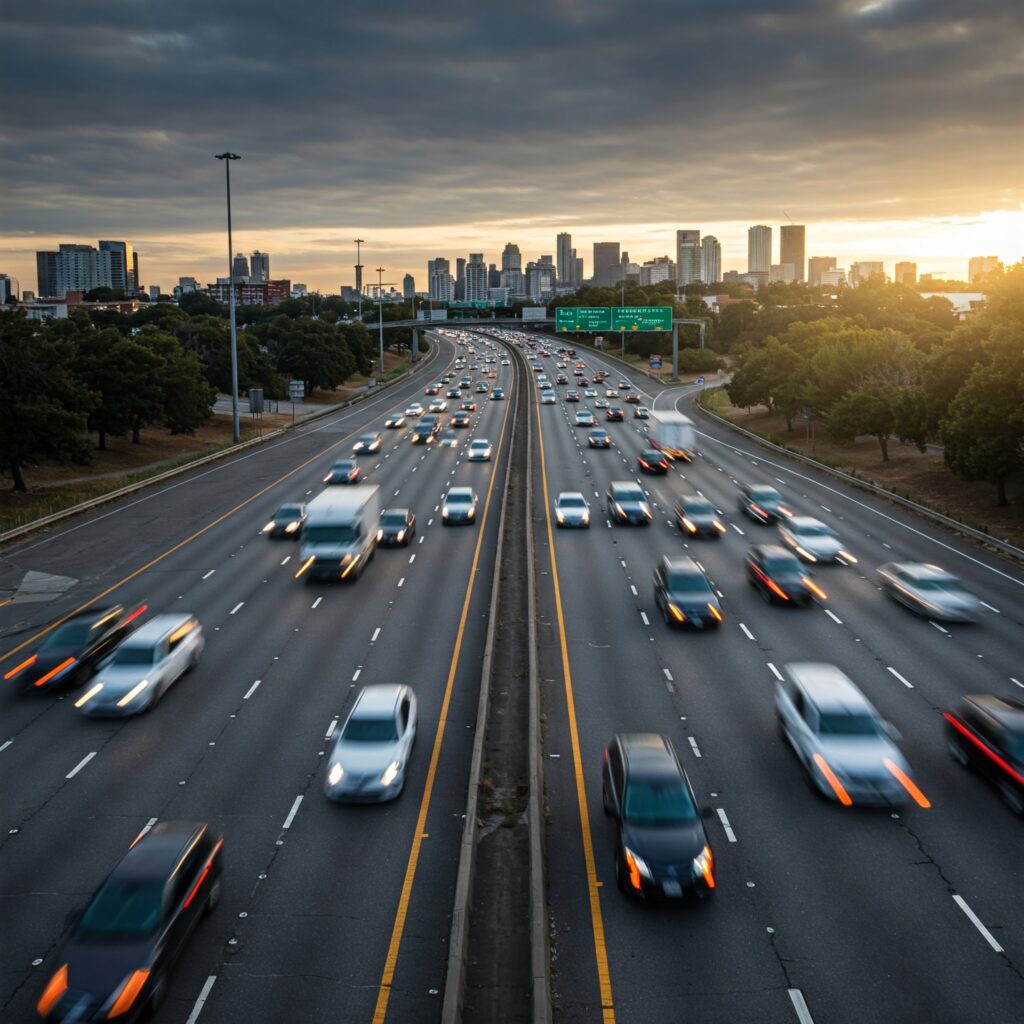
The Bigger Highway (More Bandwidth):
Now picture an old analog TV signal. It needed a 6 MHz highway—a sprawling six-lane freeway. This let bulky “trucks” (video) and “vans” (audio) cruise side by side. More lanes = more data!
The Problem? Traffic Cops (Circuit Components):
Every highway has limits. Capacitors and inductors act like strict traffic cops. They hate high-frequency “speeding cars” (like crisp treble in music or HD video). At a certain point, they slam on the brakes, blocking those frequencies. That’s why old radios couldn’t handle bass-heavy rock or TV static—their cops (components) refused to let the wilder frequencies through.

In Analog Systems (Frequency Domain)
- Definition:
Bandwidth (B) is the range of frequencies (Δf) a system can transmit or process without significant attenuation, measured in Hertz (Hz).- Mathematically:

- Example:
A radio receiver with a bandwidth of 20 kHz to 30 MHz can process signals within that 29.98 MHz range.
2. In Digital Systems (Data Domain)
- Definition:
Bandwidth refers to the maximum data transfer rate a channel can sustain, measured in bits per second (bps).- Channel Capacity (Shannon-Hartley Theorem):

- Example:
A Wi-Fi channel with 160 MHz analog bandwidth and advanced modulation can achieve data rates up to ~9.6 Gbps (Wi-Fi 6E).
Alright, let’s talk about Wi-Fi bandwidth. Imagine you’re at a bar, trying to stream a video while your friend is video-calling their cat. The Wi-Fi router is like a busy bartender, juggling everyone’s orders. Bandwidth here is how much data the bartender can carry at once without spilling your cocktail.

1. The Bands: 2.4 GHz, 5 GHz, and 6 GHz
Wi-Fi works in three “neighborhoods” of the radio spectrum:
- 2.4 GHz: The old, cozy part of town. It’s crowded (baby monitors, microwaves, Bluetooth) but has better “wall-piercing” superpowers. Think of it as a narrow alley—slow but reliable.
- 5 GHz: The newer, quieter suburb. More space (wider lanes), faster speeds, but signals get tired quickly and struggle through walls.
- 6 GHz: The freshly paved highway. Huge lanes, zero traffic (for now), but signals fade even faster. Perfect for 8K cat videos—if you’re sitting close to the router.
2. Channel Bandwidth: How Wide Are Your Lanes?
In Wi-Fi, channels are like lanes on a road. Bandwidth decides how wide those lanes are:
- 20 MHz: A bike lane. Good for emails or checking the weather.
- 80 MHz: A two-lane highway. Handles Netflix or Zoom calls smoothly.
- 160 MHz: An eight-lane freeway. Lets you download entire movies in seconds… but only if you’re in the same room as the router.
3. The Catch: Bandwidth vs. Range
Here’s the thing physics won’t let us cheat: wider lanes = shorter range.
- If you use a 160 MHz channel (huge bandwidth), you’re blasting data at warp speed… but the signal might not even reach your backyard.
- A 20 MHz channel crawls slower but can wander through your entire house, dodging walls like a ninja.
Why? Higher frequencies (5 GHz, 6 GHz) are like energetic toddlers—they burn out fast. Lower frequencies (2.4 GHz) are marathon runners, going the distance but carrying less.


Leave a Reply